


Domain Name: Extensions, Cost, Availability, Memorability, Hosting Connection, Registration Period, DNS Records, Length and Characters, Privacy and Security

A domain name is a unique, human-readable web address that points browsers to a specific website on the internet. Key aspects include cost, extensions, memorability, availability, registration period, hosting connection, length and characters, DNS records, and privacy and security. When you type it into a browser, the system translates it into the numeric address of the server that hosts the site. Within website design, it shapes how visitors find, remember and trust a site, so it is usually settled early in a project. A web design agency florida may treat it as part of the site’s identity, alongside the logo, layout and content. This article explains what you can expect from cost, extensions, memorability, availability and registration period, and how each one affects the way a site is named and kept online.
Key Takeaways
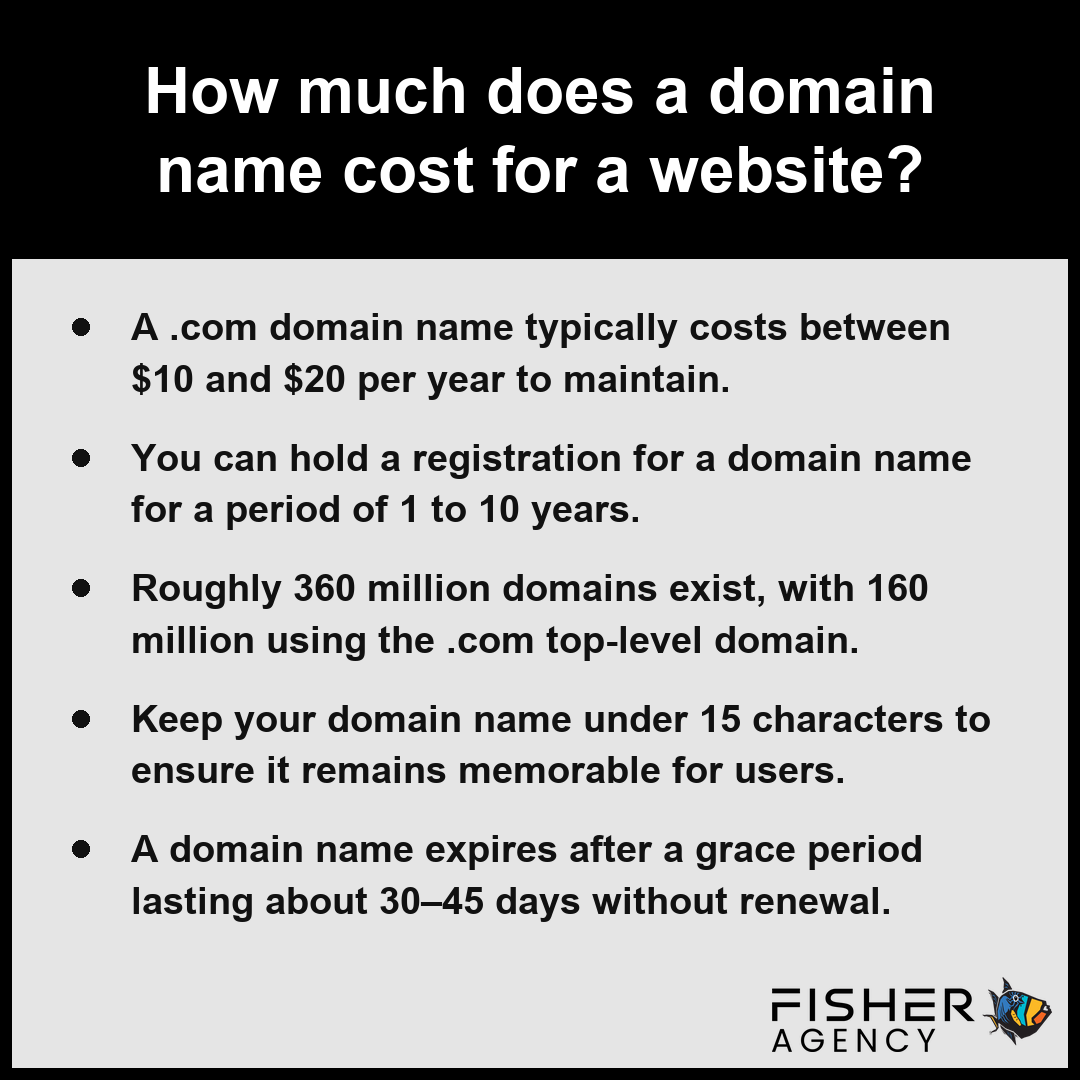
- A .com domain name typically costs between $10 and $20 per year to maintain.
- You can hold a registration for a domain name for a period of 1 to 10 years.
- Roughly 360 million domains exist, with 160 million using the .com top-level domain.
- Keep your domain name under 15 characters to ensure it remains memorable for users.
- A domain name expires after a grace period lasting about 30–45 days without renewal.
How Much Does a Domain Name Cost for a Website?
The cost for a domain name typically ranges from $10 to $20 per year for a standard registration, though prices fluctuate based on the top-level domain (TLD) and market demand. While the wholesale registry fee for a .com domain name is about $10 to $11 per year, registrars often add their own fees and promotional pricing that may increase upon renewal. If you are interested in a premium domain name, you may face a one-time resale price ranging from hundreds to tens of thousands of dollars.
| Domain Extension / Add-on | Standard Annual Rate | Pricing Dynamics |
|---|---|---|
| .com | $10 – $20 | Stable pricing; subject to registrar markups |
| .org | $10 – $15 | Cost-effective for non-commercial entities |
| .net | $12 – $20 | Reflects infrastructure market demand |
| .us | $5 – $15 | Low-entry point for region-specific branding |
| Newer Generic TLDs | $2 – $50+ | Highly volatile based on specialty and prestige |
| WHOIS Privacy | $1 – $15 | Optional security cost for identity protection |
| Premium Domains | $100 – $10,000+ | One-time resale valuation via aftermarket |
Average Annual Cost by Domain Extension (High Estimate)
Beyond the initial registration, you should account for optional add-ons that influence your total budget. Most services offer a registration period between 1 and 10 years, allowing you to lock in pricing for an extended term.
- .com: $10–$20 per year
- .org: $10–$15 per year
- .net: $12–$20 per year
- .us: $5–$15 per year
- WHOIS privacy: $1–$15 per year
- Newer generic TLDs: $2–$50+ per year
Compare the long-term renewal rates offered by your chosen registrar rather than focusing solely on the discounted first-year introductory price. Per the Federal Trade Commission, consumers should be aware that these initial low-cost registration offers often increase to standard renewal rates after the first year of ownership.
Consider these additional factors when planning your total domain budget:- Renewal Spikes: Be aware that promotional first-year discounts often expire, causing the price to jump significantly in subsequent years.
- Auto-Renewal Fees: Check if your registrar charges convenience fees for automated billing cycles.
- Domain Transfer Costs: Moving a domain to a different registrar may require paying for an additional year of registration upfront.
- ICANN Fees: Factor in the mandatory $0.18 annual fee per domain mandated by the Internet Corporation for Assigned Names and Numbers.
- SSL Certification: Budget for additional security costs if your chosen registrar does not include a free SSL certificate with the domain purchase.
Which Domain Name Extension Should You Choose: .com, .org, .net, or a Newer One Like .shop?
You choose a top-level domain (TLD) by balancing your brand identity against the availability of a specific domain name within the global marketplace, where roughly 360 million domains are already registered. The selection of a TLD determines the categorization and professional perception of your site, as these strings function as the final segment of your web address hierarchy. Per the Internet Corporation for Assigned Names and Numbers, the introduction of new generic top-level domains has expanded naming options beyond traditional extensions to include industry-specific choices like .shop or .tech.
| TLD Category | Primary Strategic Use Case | Market Perception | Availability Impact |
|---|---|---|---|
| .com | Global Commercial Enterprise | High Authority / Standard | Low (Highly Saturated) |
| .org | Community & Non-Profit | Trust / Mission-Oriented | Moderate |
| .net | Technical Infrastructure | Functional / Reliable | Moderate |
| .us | Regional Targeting | Local / Geographic Focus | High |
| .new (Generic) | Industry-Specific Branding | Modern / Niche-Focused | High (Expanded Options) |
Domain Registrations by TLD (in millions)
- .com: The standard for commercial entities and the most recognized TLD, accounting for about 160 million registrations globally.
- .org: Traditionally associated with non-profit organizations and open-source projects, often signaling a focus on community or information.
- .net: Historically used by network infrastructure companies, now serving as a common alternative when your preferred .com domain name is unavailable.
- .us: A country-code option that specifically identifies a site as originating from or serving the United States.
- Newer TLDs (.shop, .app, .blog, .online): Industry-specific labels that allow for more descriptive naming conventions, often helping you secure a shorter second-level domain than would be possible with older options.
Evaluate your target audience’s technical proficiency and expectations to determine if a legacy TLD like .com carries more credibility for your specific industry than a descriptive, niche option.
Consider these practical steps to secure your preferred domain name effectively:- Perform a preliminary trademark search to ensure your chosen brand name does not infringe on existing intellectual property.
- Prioritize shorter, memorable strings to reduce user input errors and improve brand recall.
- Avoid using hyphens or numeric characters, which can diminish credibility and complicate verbal communication.
- Enable domain privacy protection at the point of purchase to redact your personal contact information from public WHOIS databases.
- Configure auto-renewal settings to prevent accidental domain expiration and potential acquisition by third parties.
How to Pick a Memorable Domain Name for Your Website Design
Picking a memorable domain name for your website design involves balancing brevity with branding to ensure your audience can recall your digital address without effort. Because the system for navigating the internet relies on precision, your choice must be intuitive and easy to type, ideally staying under about 15 characters to maximize recall. While you have a technical limit of 63 characters for a single label and 253 characters for the full string, shorter names consistently perform better in user engagement and brand recognition.
| Metric Category | Constraint Value | Optimization Rationale |
|---|---|---|
| Recall Threshold | ~15 Characters | Maximizes user memory retention and manual typing accuracy. |
| Label Limit | 63 Characters | Technical DNS architecture maximum for a single domain segment. |
| Total String Ceiling | 253 Characters | Absolute system limit for full qualified domain name length. |
| Security Integrity | Zero Special Characters | Mitigates spoofing risks and minimizes typosquatting vulnerabilities. |
Domain Name Character Limits
- Prioritize simplicity: Avoid using hyphens, numbers, or repeated characters that can cause confusion when spoken aloud or typed manually. Per the National Institute of Standards and Technology, avoiding hyphens or special characters is a key security practice to help prevent user entry errors and mitigate risks related to spoofing and typosquatting.
- Use intuitive spelling: Stick to standard word spellings to prevent navigation errors that lead visitors to the wrong destination.
- Keep it relevant: Align the second-level domain closely with your brand identity or core topic so the name serves as an immediate indicator of your site’s purpose.
- Avoid infringing on trademarks: Verify that your chosen name does not mirror established companies to prevent potential legal disputes and consumer confusion.
- Check for vocal clarity: Say the name out loud to ensure it sounds professional and is not easily misinterpreted when relayed in conversation.
Confirm that your primary spelling choice remains consistent across your social media handles and email naming conventions to unify your brand identity before you finalize your registration.
Follow these best practices to ensure your domain remains professional and accessible:- Use only letters to ensure compatibility with global keyboard layouts and voice-to-text input.
- Choose a .com extension when possible, as it is the most recognized top-level domain for general audiences.
- Verify that your chosen name is available as a social media handle to maintain consistent cross-platform branding.
- Ensure the name does not inadvertently form unintended words when multiple terms are joined together.
What Can You Do If the Domain Name You Want Is Already Taken?
When the specific domain name you want is already taken, you can investigate its ownership status, attempt to negotiate a purchase, or pivot to a creative alternative.
| Action Phase | Primary Strategy | Key Consideration | Risk Factor |
|---|---|---|---|
| Investigation | WHOIS or RDAP Lookup | Privacy masking status | Outdated contact details |
| Outreach | Brokerage or Direct Contact | Seller intent to sell | Impersonation scams |
| Valuation | Market Rate Assessment | Acquisition vs. Renewal costs | Inflated premium pricing |
| Execution | Escrow-backed Transfer | Official registrar change | Non-transferable ownership |
Check Who Owns the Domain Name Now
You can identify the current owner by performing a WHOIS or RDAP lookup. These tools retrieve the registration record, which contains contact details for the registrant, although many owners use WHOIS privacy to hide their personal information. If the contact data is masked, look for a contact form or a “for sale” landing page on the website associated with that domain name.
Can You Buy a Taken Domain Name?
Yes, you can buy a taken domain name if the current owner is willing to transfer the registration to you. This process often involves the following steps:
- Review the current registration record for contact information.
- Use a specialized brokerage service if you prefer to remain anonymous.
- Verify the expiration date to see if the domain name might soon be released.
- Assess the legitimacy of the seller to avoid common scams.
Premium Domain Pricing and Negotiation
A premium domain name often carries a significant price tag, ranging from hundreds to tens of thousands of dollars. Since you do not own the name but rather lease the registration, this payment is typically a one-time fee to acquire the rights from the current holder. When negotiating, clarify whether the price includes the transfer service fees and ensure the transaction occurs through a reputable escrow service to guarantee that the domain name is officially moved to your control.
Choose a Close Alternative
If the desired name is unavailable, you can modify your search by using a different second-level domain, such as adding a descriptive prefix or suffix, or by selecting an alternative TLD.
Confirm the actual expiration date of the desired registration record to determine if you should wait for a potential release rather than pursuing an expensive acquisition. Per the Internet Corporation for Assigned Names and Numbers, every domain registration is subject to an expiration cycle that includes a grace period, allowing the original registrant time to renew their name before it returns to the pool of available inventory.
To finalize the acquisition process, follow these additional professional best practices:- Review the domain’s historical DNS changes via Wayback Machine to assess if it has been used for spam or penalized by search engines.
- Confirm the domain is not currently involved in active trademark litigation or cybersquatting disputes.
- Verify the domain’s “registrar lock” status to ensure it is eligible for an immediate transfer upon payment.
- Draft a formal purchase agreement that includes a clear transfer of all intellectual property rights associated with the domain.
What Happens If You Forget to Renew Your Domain Name
When you forget to renew your domain name, you trigger a series of automated events that eventually lead to the loss of your digital asset. Because you are leasing your domain name rather than owning it outright, the registrar requires timely payment to maintain your registration status. Once your registration term passes without a successful payment, the name enters a state of suspension. During this time, your website will typically stop resolving, and any associated services, such as email accounts or custom redirects, will immediately cease to function.
| Lifecycle Phase | Duration (Days) | Accessibility Status | Financial Implications |
|---|---|---|---|
| Active | Registration Term | Fully Operational | Standard Renewal Rate |
| Grace Period | 0–45 Days | Suspended | Standard Renewal Rate |
| Redemption Period | 30 Days | Restricted/Registry Held | High Restoration Fee |
| Pending Delete | ~5 Days | Inaccessible | Public Re-registration |
Domain Expiration Timeline (Days)
Following the expiration date, the process usually unfolds through several distinct phases defined by the registry:
- Expiration Date: The exact moment your current registration period ends.
- Grace Period: A window of about 30–45 days where you can usually renew the domain name at the standard price without losing it.
- Redemption Period: A subsequent phase where the name is held by the registry, often requiring a significantly higher “restoration” fee to reclaim. Per ICANN, this Redemption Grace Period can last up to 30 days while the registry keeps the domain available for restoration at an increased cost.
- Pending Delete: The final stage where the domain name is permanently purged from the registry and becomes available for new public registration.
To avoid service disruption, enable automatic renewal settings within your registrar dashboard and ensure your payment methods remain current at all times.
To recover your domain and prevent permanent loss, follow these recovery steps:- Access your domain registrar’s account dashboard immediately to check the current status of the asset.
- Contact the registrar’s customer support team if the domain has already entered the Redemption Period.
- Verify if the domain has been auctioned or acquired by a third party, as this may require a separate negotiation process.
- Update your primary contact and billing information to ensure future renewal notifications are successfully delivered.
- Enable “Auto-Renew” settings to prevent accidental expiration in the future.
Frequently Asked Questions
How long can a domain name be and what characters are allowed?
A domain name can be up to 253 characters in total length, with each label limited to 63 characters. You may use letters, digits, and hyphens in your choice. The name cannot begin or end with a hyphen, and it is not case-sensitive.
What are A, CNAME, MX, and TXT records on a domain name and how long do DNS changes take?
DNS records provide vital routing: an A record points to an IPv4 address, a CNAME acts as an alias, an MX record directs email, and a TXT record handles authentication. Changes to any DNS record typically take anywhere from a few minutes up to 48 hours to spread across the globe.
What is the difference between a domain name and web hosting, and how do I connect them?
A domain name is your human-readable address, while web hosting is the space where your files live. You connect them by configuring your DNS records to point the domain name to the numeric IP address provided by your web host so that visitors can find your site.
How do I transfer a domain name to a different registrar?
You transfer a domain name by initiating the process through a new registrar and confirming your authorization via a code. The registration records, coordinated by ICANN, are then moved to your chosen provider, though you must ensure your contact information remains accurate to maintain a valid registration record.
Do I need WHOIS privacy and an SSL certificate for my domain name?
Yes, you need WHOIS privacy to hide your personal contact details from the public registration record, and you need an SSL certificate to secure connections to your web host. These tools protect your private information and encrypt data traffic associated with your registered domain name.